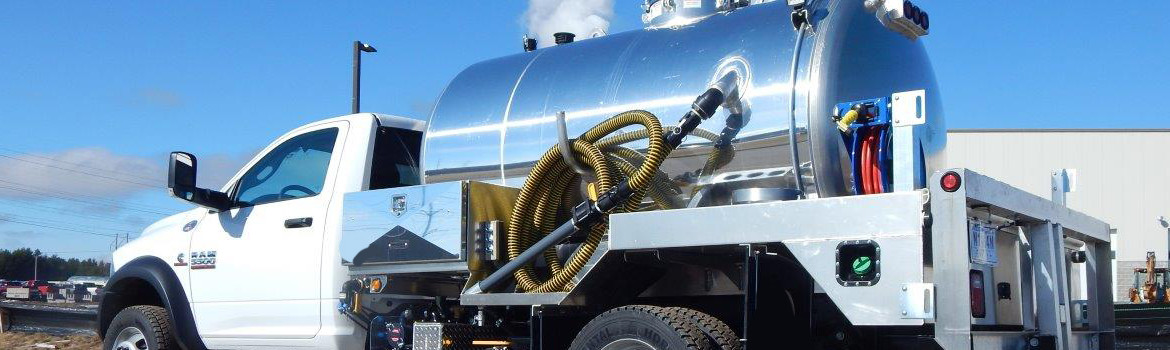
KeeVac Product Videos
Watch. Learn. Get Back to Work. Whether you’re onboarding a new hire or troubleshooting a pump issue on the side of a highway, KeeVac’s product video library gives you fast, practical answers — no manual-hunting required. Our vacuum truck operation videos, setup demos, and safety references are built for real operators in real conditions.
Learn at Your Own Pace — Or Get Right to the Point
Our video library is organized so you can jump straight to what matters. If you’re new to the equipment, begin with the full operation walkthrough before your first run. Training a crew? Use the grease truck and hooklift truck videos as structured onboarding clips you can pause, rewind, and reference during walkthroughs. For troubleshooting, go directly to the component or system giving you trouble, then cross-reference the PDF manual before making any changes.
Operator safety matters. For general industry guidance on commercial vehicle upfitting and equipment safety, reference the National Truck Equipment Association (NTEA).
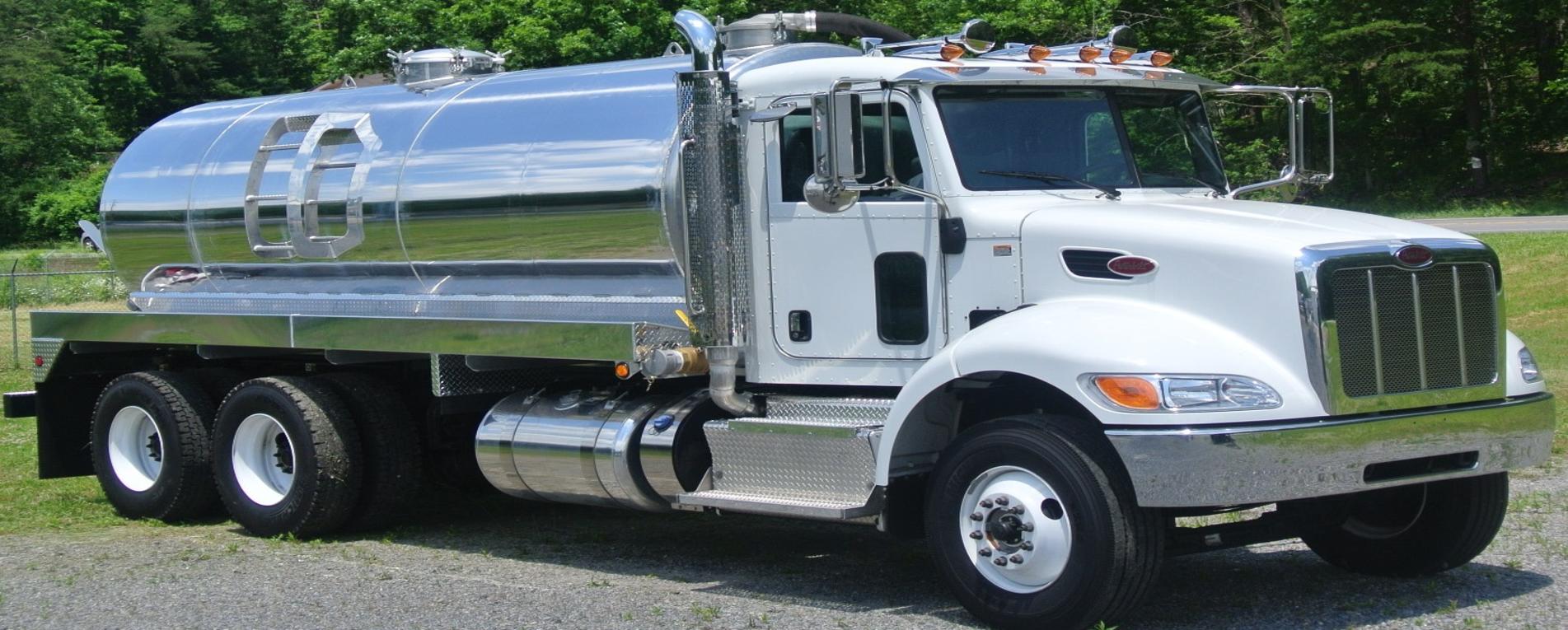
Featured Videos
Short, practical demos and safety references. Bookmark this page, share it with your crew, and come back whenever you need it.
What These Truck Maintenance Guides Cover
Our video resources aren’t just demos — they double as truck maintenance guides you can reference throughout the service life of your equipment.
- Startup and shutdown procedures and daily pre-route walkthroughs.
- Pump operation, pressure monitoring, and vacuum system safety checks.
- Slide-in installation and removal, hooklift system operation, and load cycling.
Frequently Asked Questions
Do these videos replace the truck manuals?
No. Videos are a fast visual reference, but the PDF manuals contain the full specifications, part numbers, and safety procedures you need for maintenance and repairs. Always consult the manual before changing settings or hardware.
Where do I find the manual for my specific truck or component?
Head to the KeeVac Manuals Library. If you’re not sure which one applies to your build, call us at (303) 789-9440 and someone on the team can point you to the right one.
I’m trying to figure out how to operate a vacuum truck — where do I start?
Start with the main vacuum truck operation video on this page, then download the operator manual for your specific unit. If you’re still stuck, give us a call — we’d rather spend five minutes on the phone with you than have you guessing.
Can KeeVac help train my operators directly?
Yes. Reach out through our Contact page and we can talk through what support looks like for your team and your equipment.
What if I can’t find a video for my specific truck or component?
Submit a Parts Request or contact us directly. If we don’t have a video for your exact unit, we can connect you with the right resources or walk you through it live.
Ready to See What KeeVac Builds?
Whether you’re looking for a new vacuum truck, a replacement component, or just need to talk through a build, we’re here. Real people, real answers, no script required.